Distance you scrolled
Content travel becomes meters and kilometers — because one more document really did feel like a marathon.
1.42km today
Your trackpad has a workout history
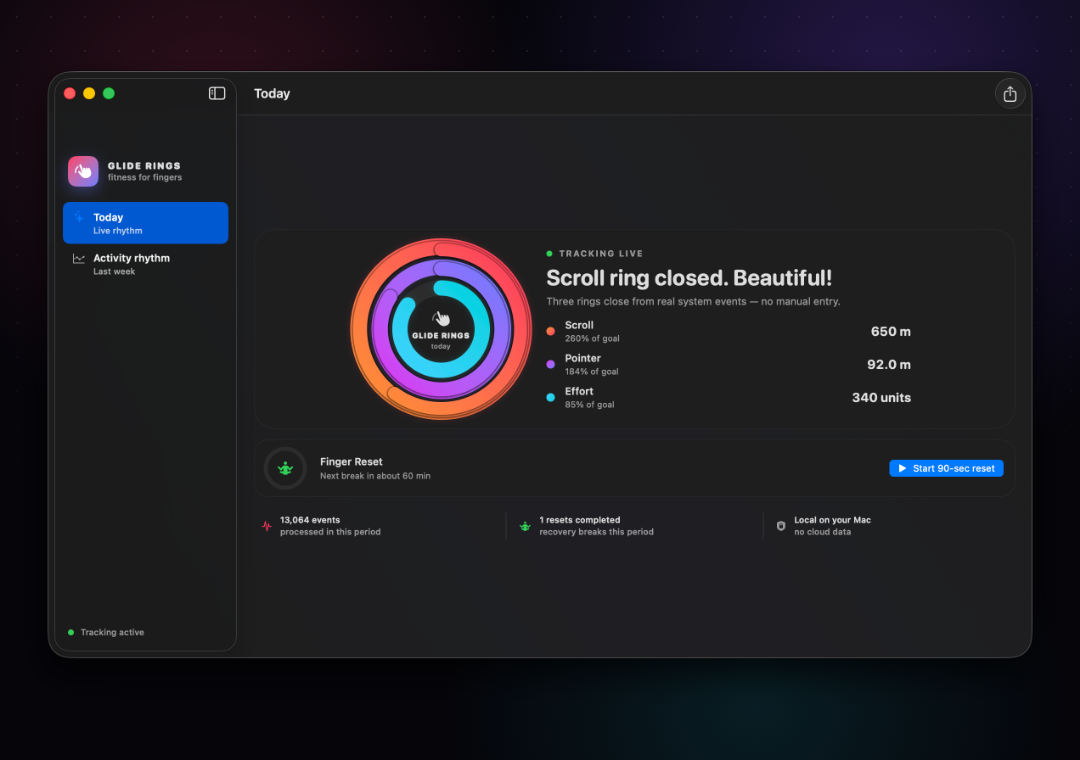
Glide Rings turns every scroll, pointer move, and press into a private activity story — then reminds your hands when it is time to change the motion.
A tiny fitness studio in your menu bar
Three goals close throughout the day while Glide Rings quietly keeps the history that your trackpad never gave you.
Content travel becomes meters and kilometers — because one more document really did feel like a marathon.
See how far your cursor travelled across the physical display, not just how busy the day felt.
Track clicks and normalized trackpad pressure without recording what you typed or touched.
Compare rhythms, spot heavy days, and share a polished activity card when a ring deserves applause.
 Open & close
Finger Reset
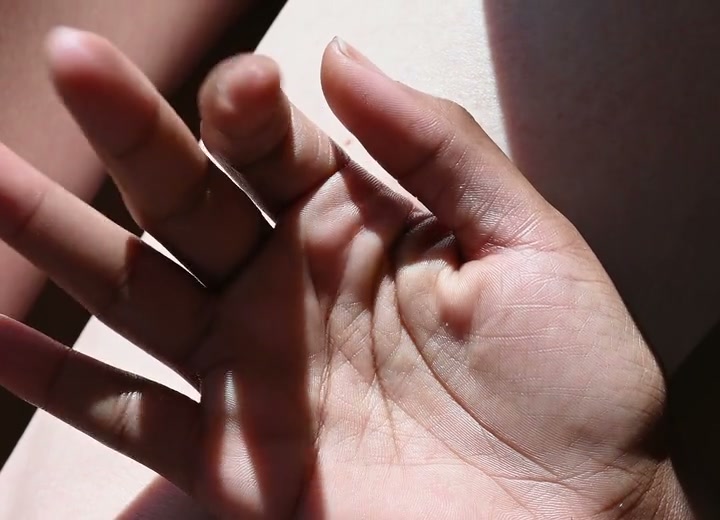
After a long stretch of repetitive movement, Glide Rings offers a 90-second guided reset. Short real-motion clips show exactly what to do. You can start, snooze, or skip — the choice stays yours.
Gentle wellness guidance, never a medical diagnosis.
Built private by default
Glide Rings counts motion, not content. Raw events are immediately reduced to totals and stored only on your Mac. There is no account, advertising ID, analytics SDK, or remote server.
Launch edition
The complete Glide Rings experience: rings, history, guided resets, menu bar widget, and social cards.
No. Glide Rings does not monitor keyboard events or store the apps and content you interact with.
macOS requires that permission so Glide Rings can count trackpad activity while other apps are active. The permission is visible and revocable in System Settings.
It is a consistent activity estimate, not a calibrated laboratory measurement. It is designed for goals and trends.
Yes. Finger Reset is optional, and its interval can be set to 45, 60, or 90 minutes.